LIVE-STREAM YOUR LOCAL GAMES
Broadcast your team's game from one phone.
BenchStream puts your team's game on YouTube Live from one phone — so parents, grandparents and away fans can watch in crisp HD on their TV. Scoreboard, pro audio and sponsor overlays, with automatic reconnects on Android. No laptop required.
IN THE WILD
Tested at real games. Not just in the lab.
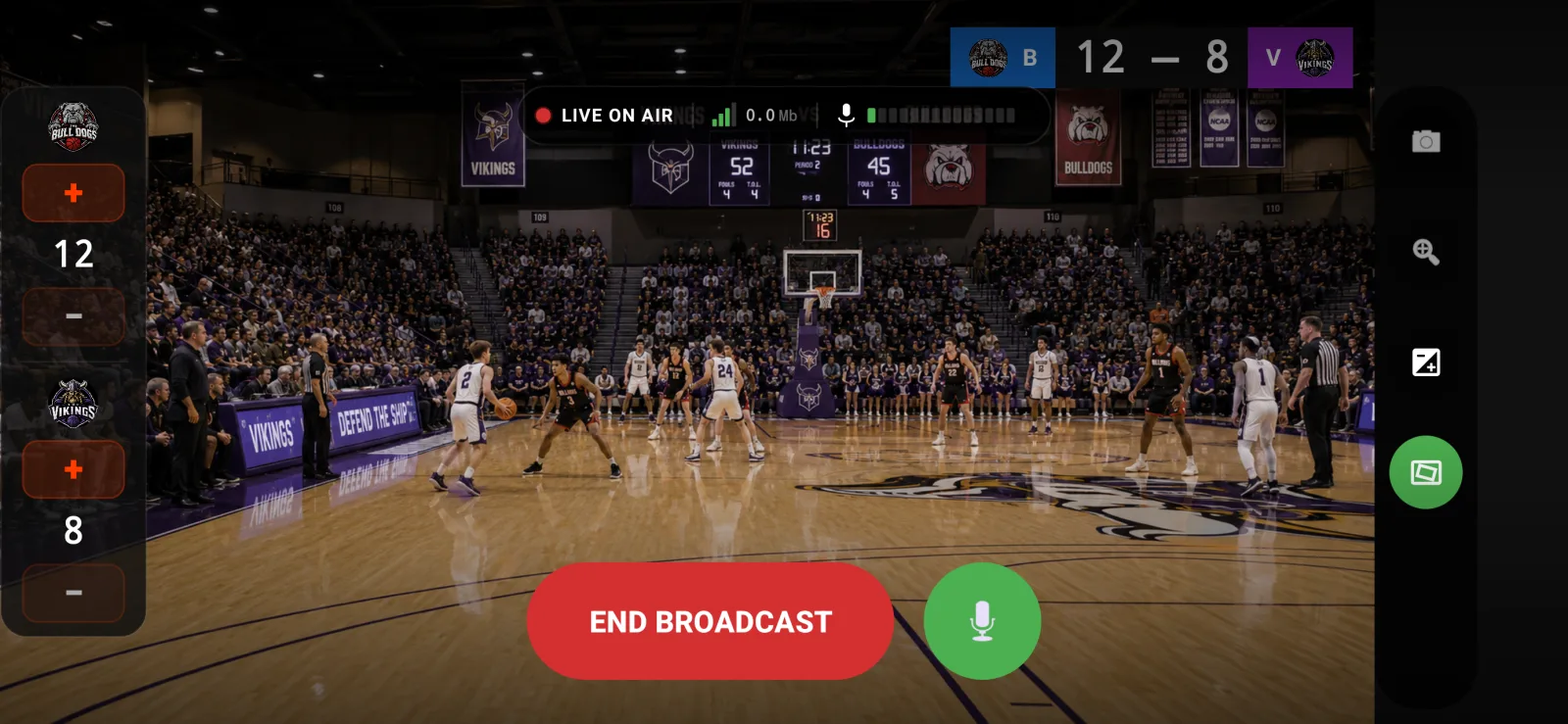
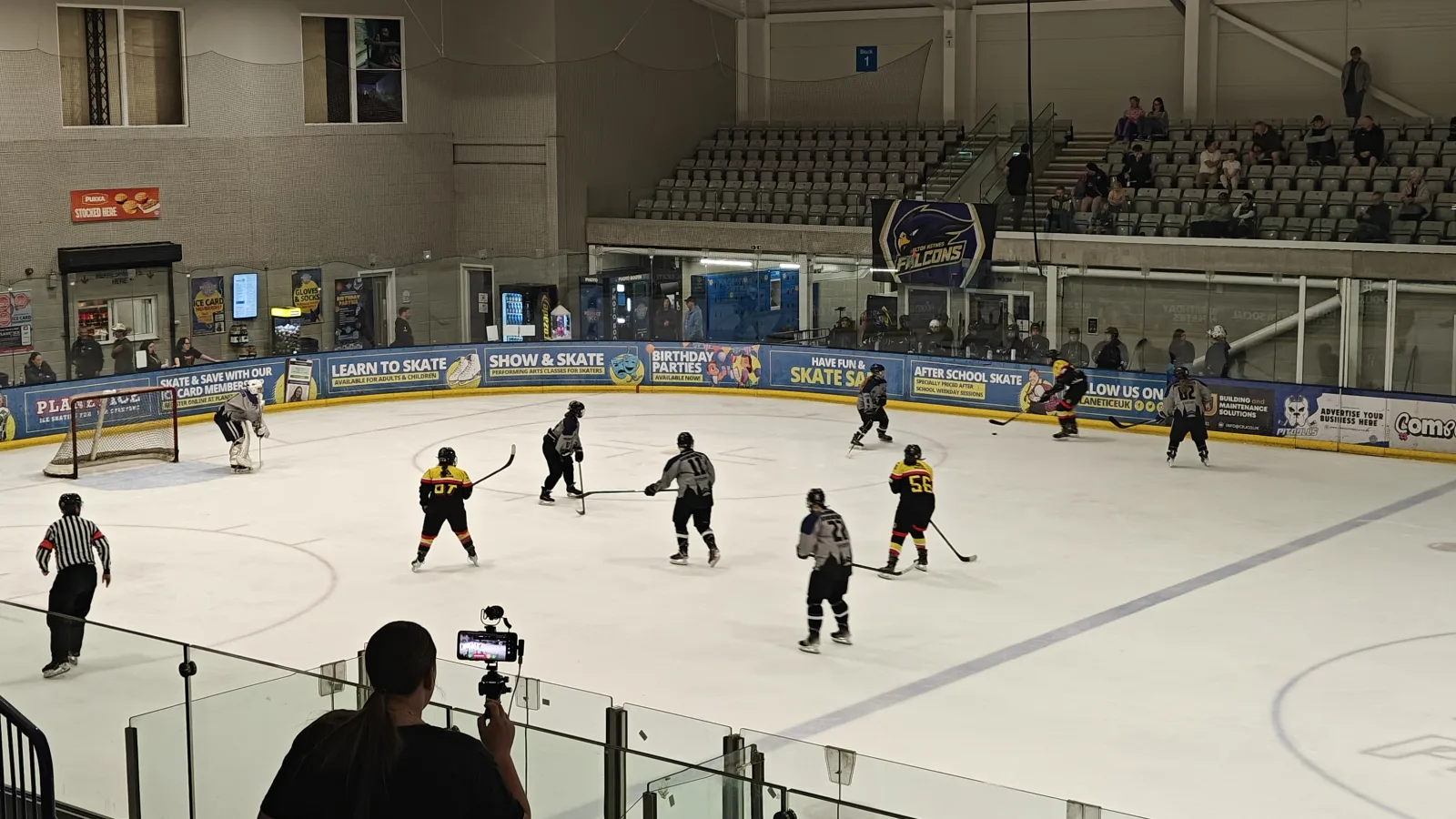
BenchStream was built on the bench at actual rinks, pitches and courts. One phone, a tripod, and a stable signal — that's all it takes to put your team's game in front of the grandparents watching from home.
- Holds up over a full 60-minute hockey game without dropping the stream.
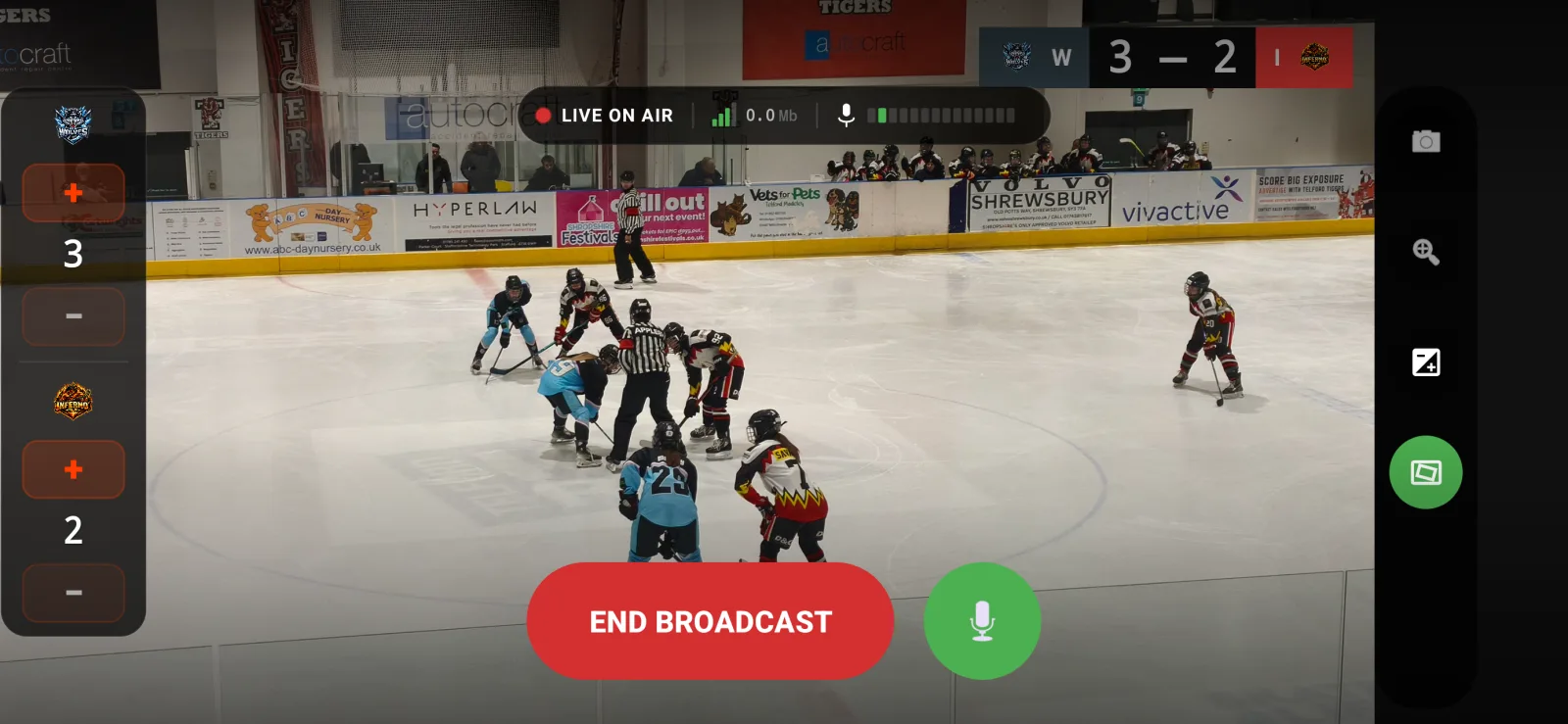
- Scoreboard updated from the bench while the phone keeps recording.
- Reconnects automatically on Android if the arena Wi-Fi hiccups.
HOW IT WORKS
Three taps. You're live.
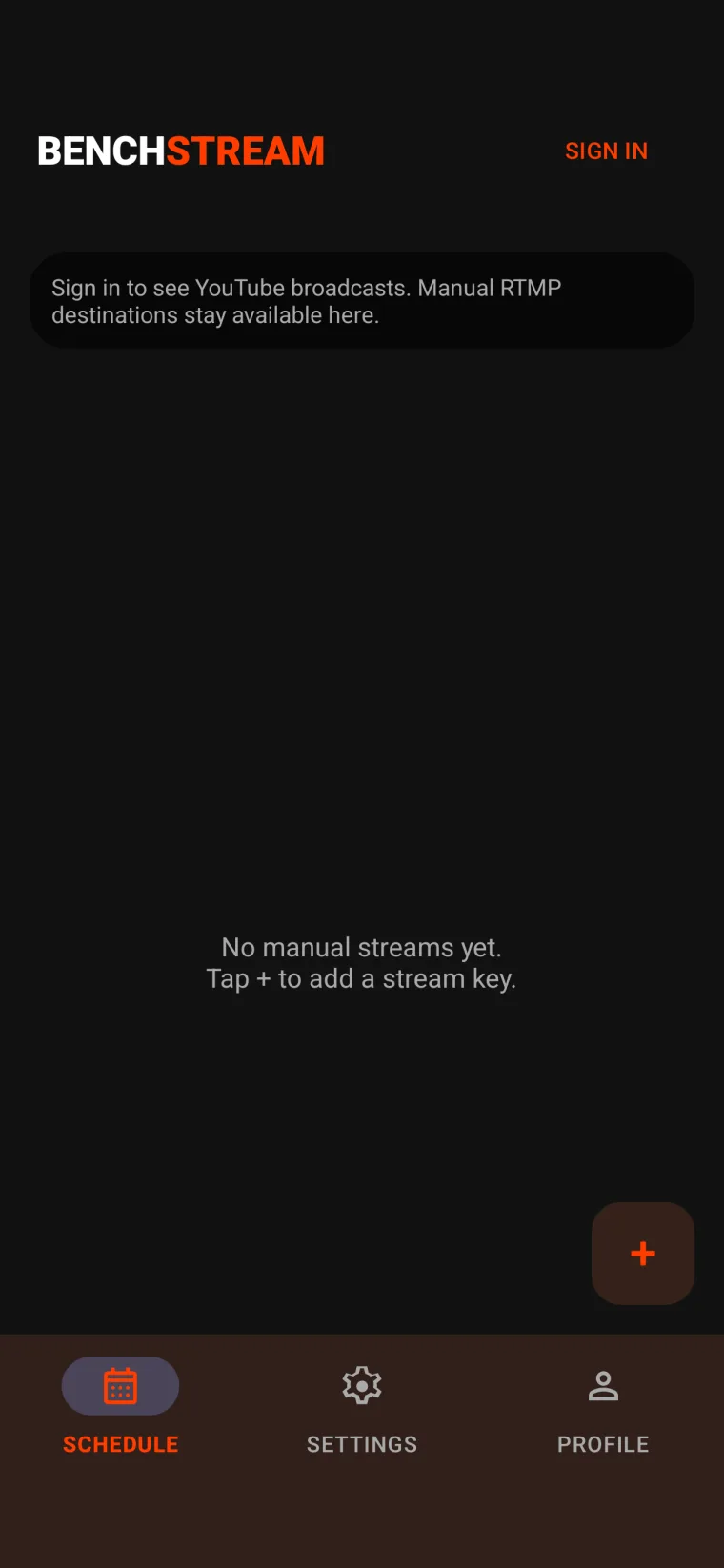
Sign in with Google
Pick the YouTube channel you want to stream to. BenchStream handles the OAuth — you don't need to touch a stream key.
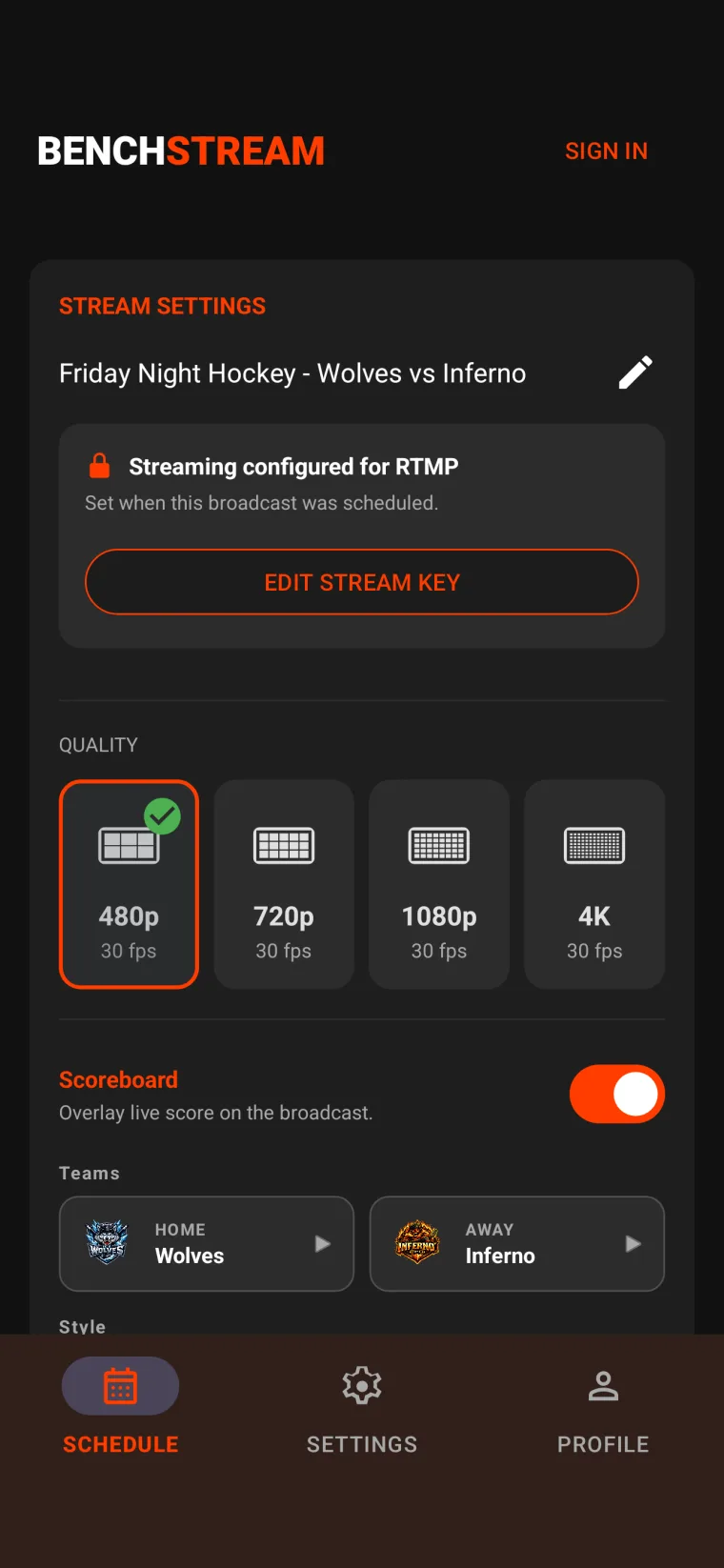
Pick your broadcast and quality
Choose your resolution, toggle the scoreboard overlay, pick your sport thumbnail. Everything in one screen.
480p is free with a BenchStream watermark. Pro adds 720p–4K, scoreboards, custom branding, sponsor scenes on air, and watermark removal.
Tap GO LIVE
BenchStream connects, waits for YouTube to confirm ingest, then puts you live. Control the scoreboard from the bench.
WHAT YOUR VIEWERS SEE
You control the scoreboard from the bench. Your audience sees it on YouTube.
Operator view (your phone)
Viewer output (YouTube / TV)
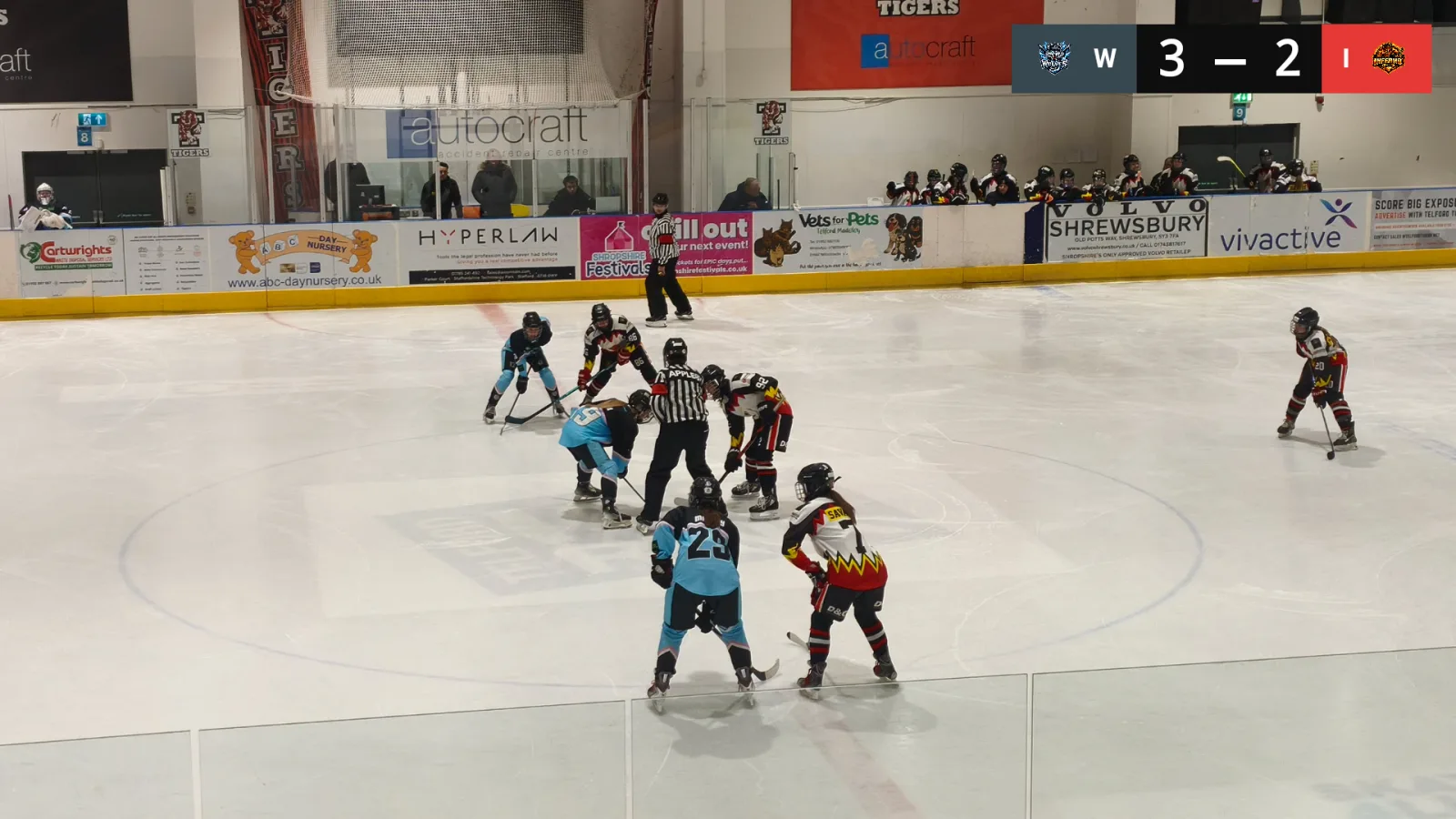
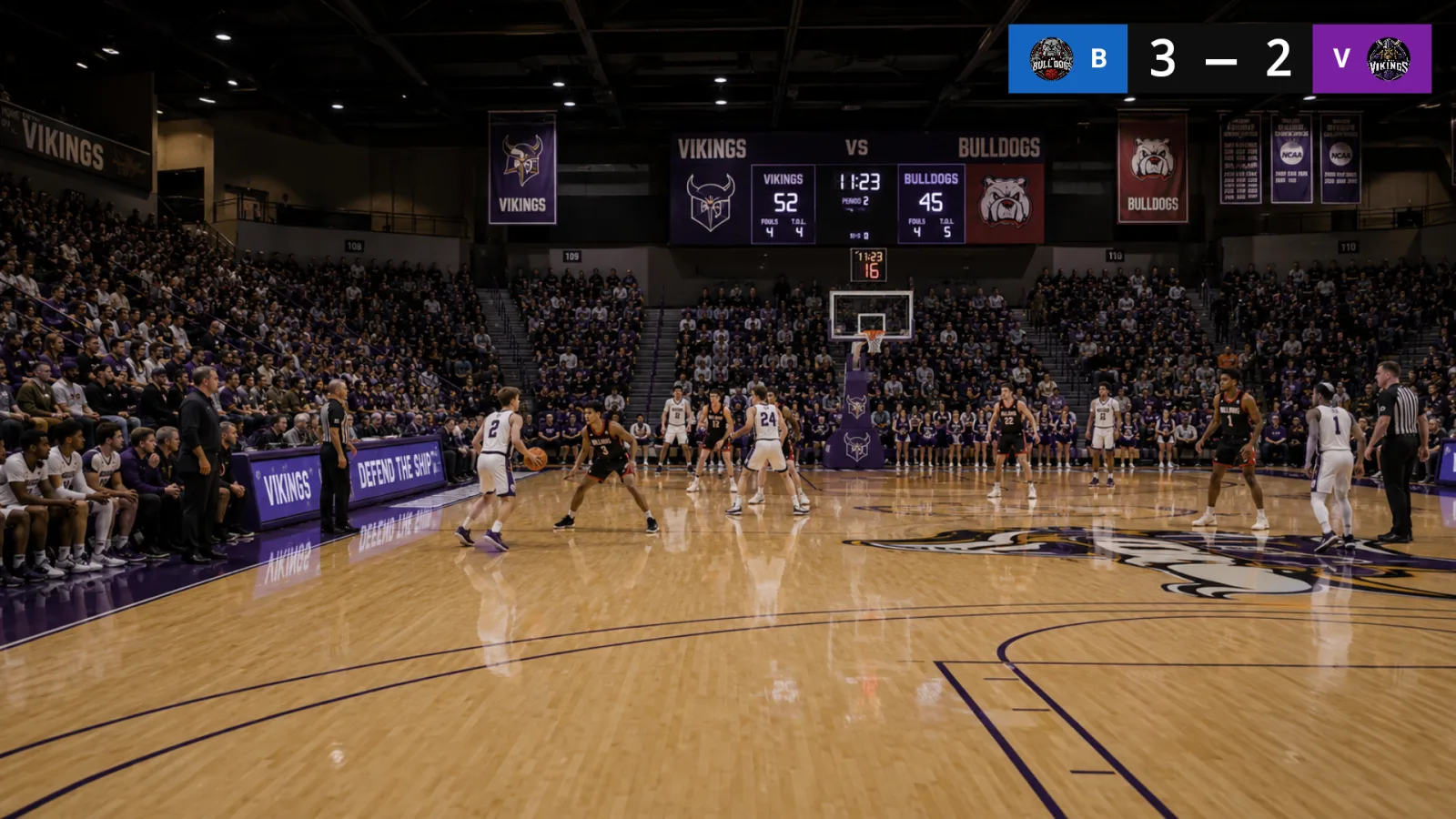
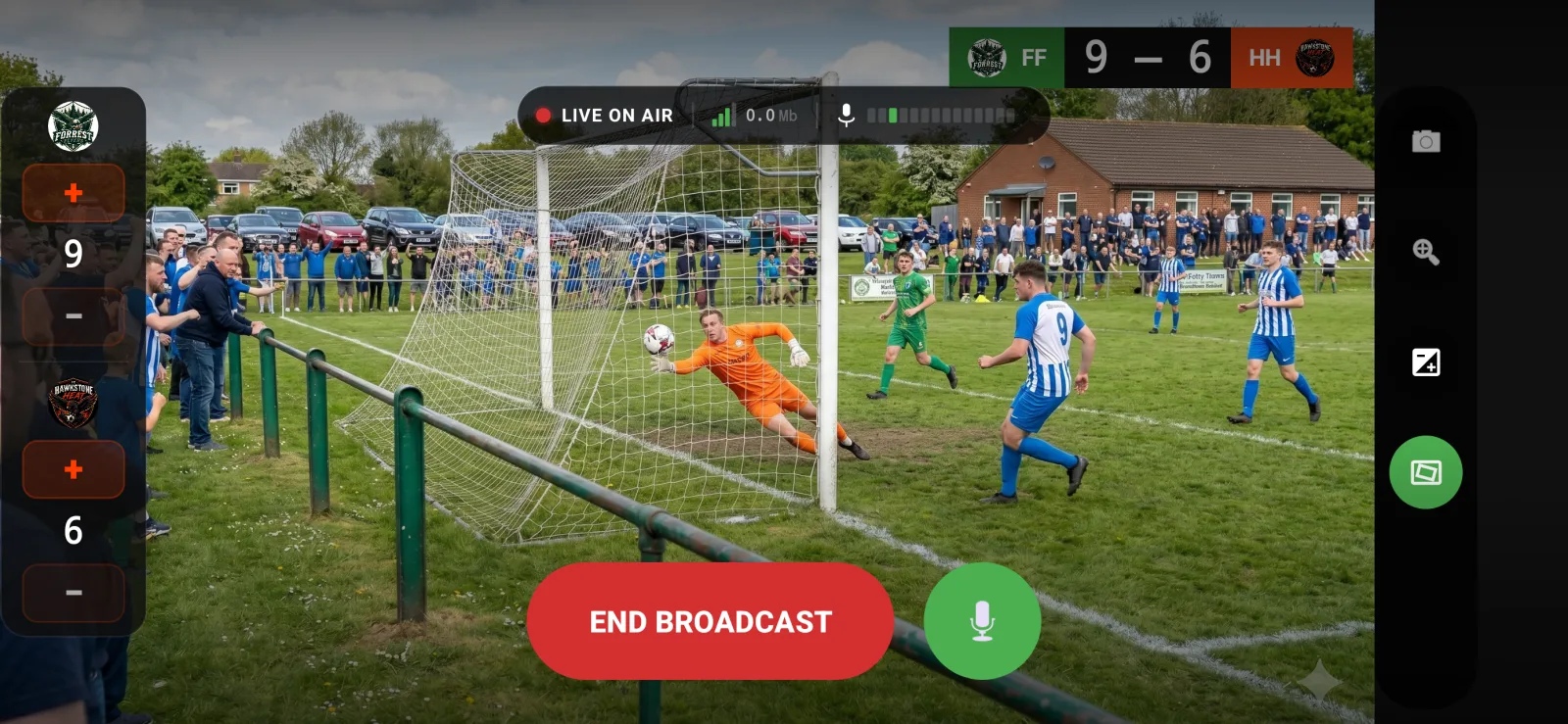
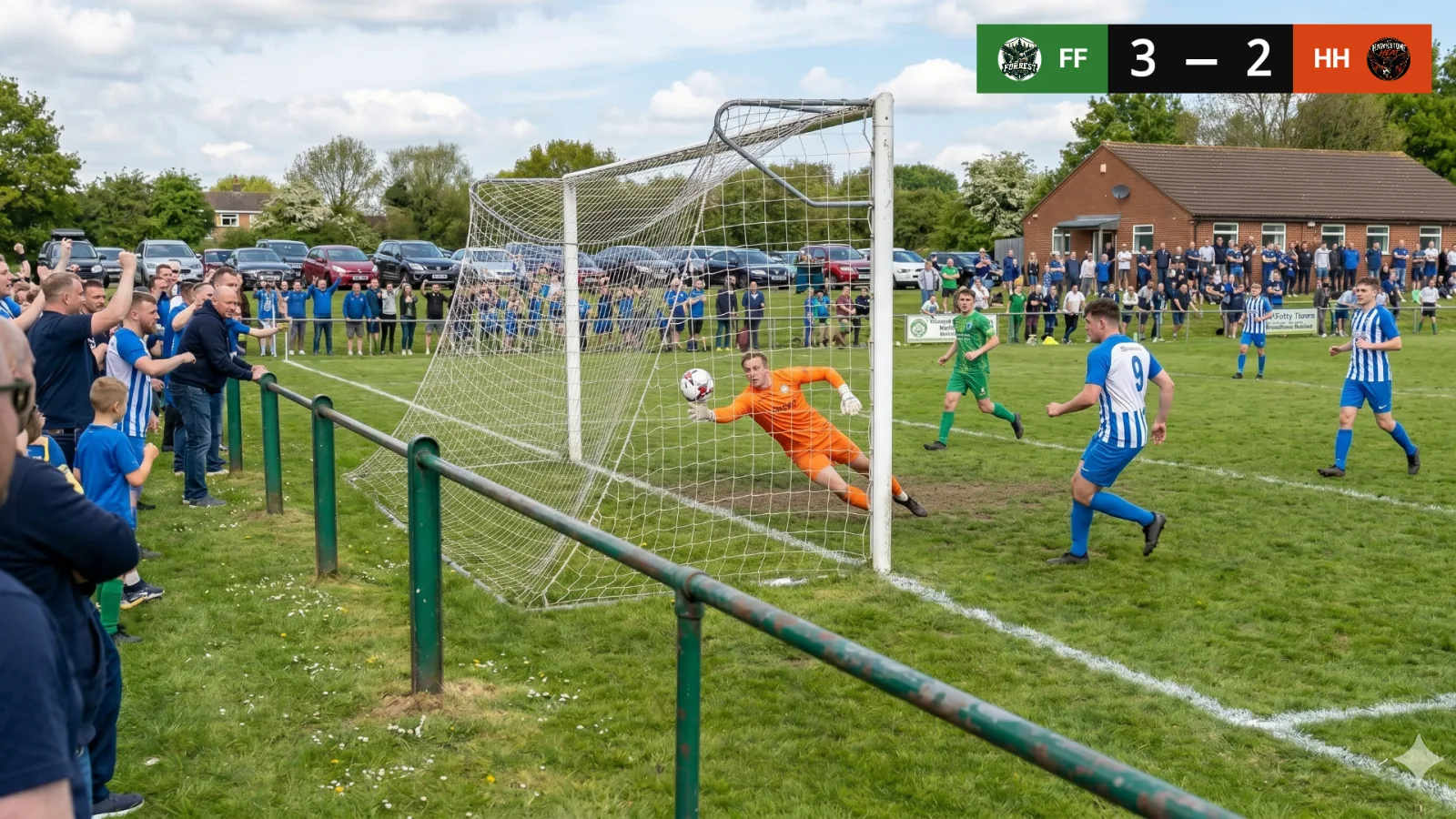
You control the scoreboard from the bench. Your audience sees it on YouTube — and can cast straight to the clubhouse TV.
FEATURES
Everything you need. Nothing you don't.
Real scoreboard overlay Pro
Home/Away score, minimal/broadcast/badge styles, position it anywhere on the frame. Tap +/– from the bench.
Up to 4K, when your phone can handle it Pro
Crisp on the big screen for parents, grandparents and away fans who can't be at the game. 480p free; 720p / 1080p / 4K with Pro.
Put sponsors on air Pro
Build your Sponsor Library and break scenes on Free. Pro unlocks broadcasting those scenes, so one local sponsor can cover the subscription without locking away your setup.
Your stream, without our watermark Pro
Free streams carry a small BenchStream watermark. Pro lets you remove it for a clean club-branded broadcast.
Full camera control
OIS + EIS stabilisation, smooth pinch-to-zoom, exposure lock and manual EV adjustment — use your phone’s camera hardware, not a limited web view.
Arena-grade audio
Built-in mic calibration (“Listen to the room — 10 seconds”), wind reduction, auto-level, USB/Bluetooth mic support.
It survives the game
On Android, automatic reconnect with exponential backoff, streams that keep running if you switch apps, and built-in battery-optimisation guidance. On iPhone, keep BenchStream open with the screen on.
Built for cold hands
Dark mode only, big tappable targets, designed to be operated through gloves on a freezing rink.
YouTube or any RTMP destination
Default is YouTube Live; paste a manual RTMP or HLS key for Twitch, Restream, your school’s CDN, anything that takes ingest.
Switch cameras, flip the view
Front or back camera, one tap to switch. Switch camera mid-stream without dropping frames.
SUPPORTED SPORTS
Preset thumbnails for your game

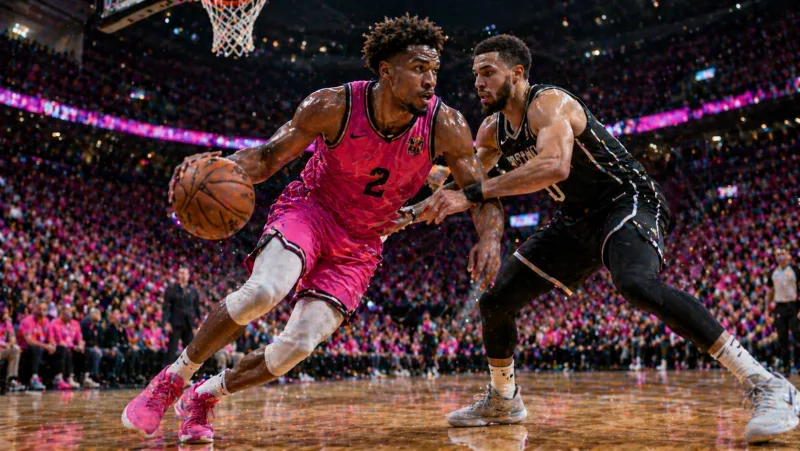
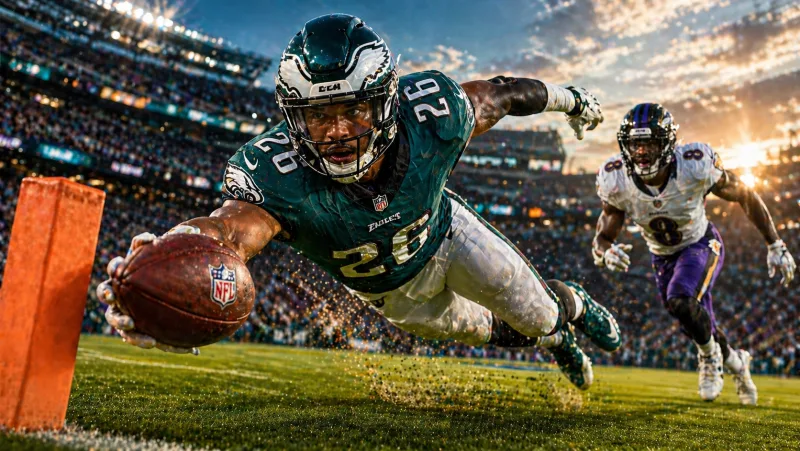



QUALITY
Confidence under pressure
You're really live, not just maybe live.
Most apps show a preview and you have no idea if YouTube is actually receiving. BenchStream watches the YouTube ingest state and only lets you go live when YouTube confirms it has video. No guessing.
Dropped Wi-Fi? Android brings it back.
On Android, five automatic reconnect attempts with exponential backoff and clear messaging if the rink Wi-Fi gives up. You see “Reconnecting (2/5)”, not a spinning wheel of death.
Real error messages, in English.
When something goes wrong, you see “The destination rejected this stream key” — not a stack trace. Every error is specific enough to act on.
PRICING
Start free. Upgrade when you need it.
Free has no time limit and requires no payment method. Upgrade only when Pro fits your club.
Free
Everything you need to stream your next game.
- 480p streaming at 30fps
- Unlimited stream length — no caps
- YouTube scheduling and manual RTMP
- BenchStream watermark
Pro
Planned Google Play prices
No public trial. Google Play confirms the recurring price and renewal terms before purchase.
One local sponsor can cover the annual plan.
- Everything in Free, plus:
- 720p / 1080p / 4K HD streaming
- Scoreboard overlay (all styles)
- Custom thumbnails & club branding
- Sponsor scenes on air
- BenchStream watermark removal
Displayed figures are Google Play reference prices; Google confirms the actual price and renewal terms before purchase. App Store Pro pricing will be shown by Apple when available.
Your team's next game deserves a real broadcast.
One phone. One tap. Professional live streams for local sports.