FEATURES
Everything BenchStream can do.
No bloat, no subscriptions for features you'll never use. Every feature exists because a coach, manager or parent needed it on game day.
SCOREBOARD
Real scoreboard overlay
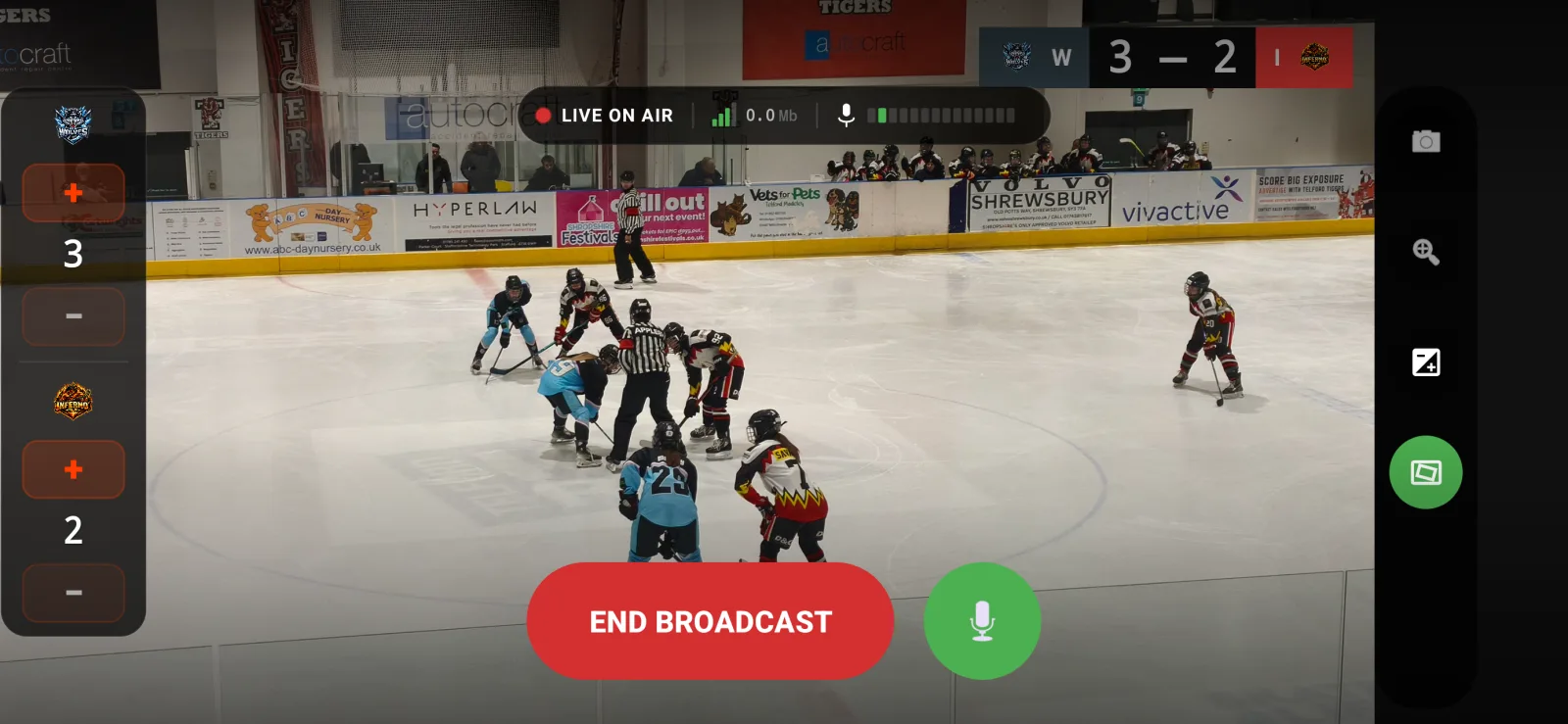
ProHome/Away score with minimal, broadcast, and badge styles. Position it anywhere on the frame. Tap +/− from the bench while the game is live. No second screen needed.
Available with BenchStream Pro.
- Three overlay styles: Minimal, Broadcast, Badge
- Configurable position on the broadcast frame
- Team names and optional logos
- Score persists across reconnects
QUALITY
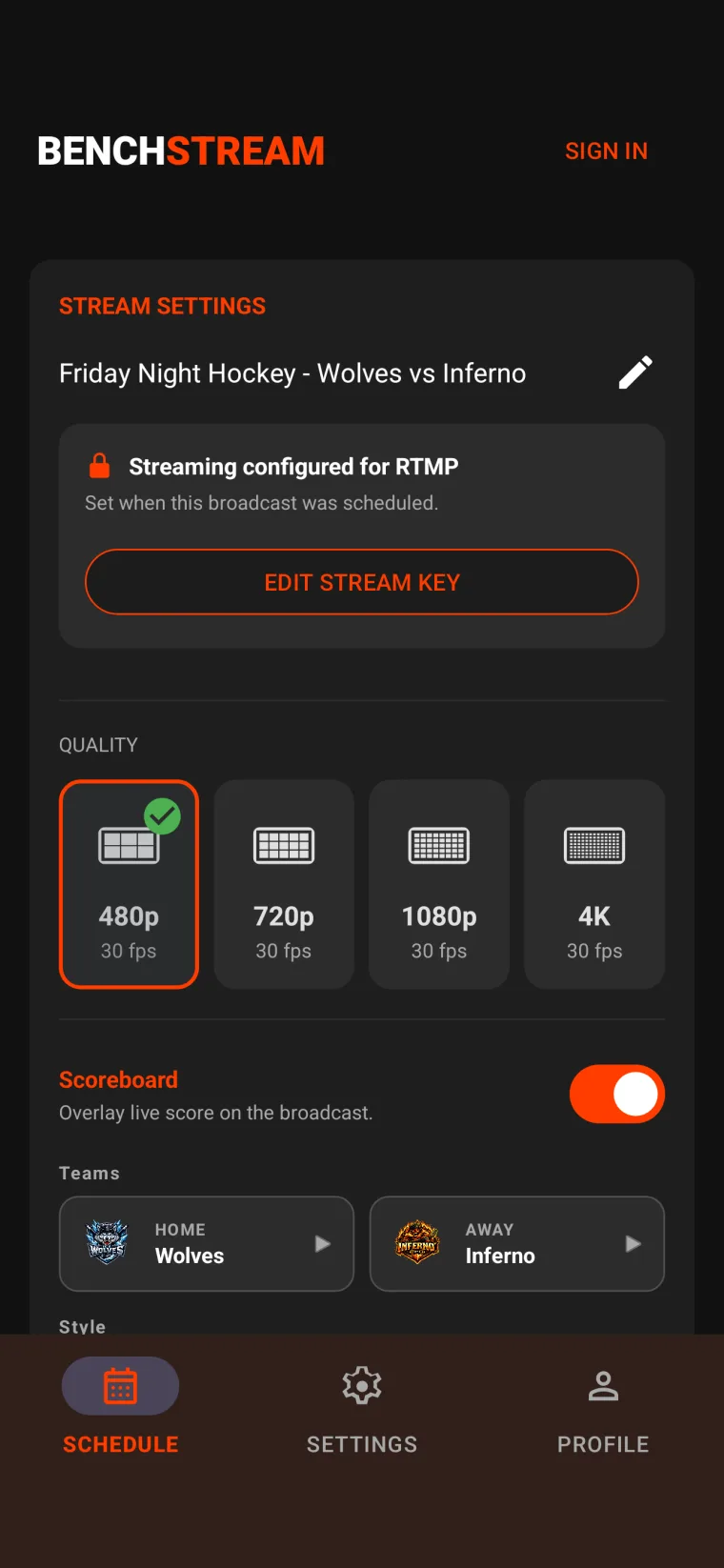
Up to 4K at 30fps
ProThe whole point of streaming is the people who can't be at the game — the parent on a late shift, the grandparent three hours away, the students watching from a dorm. They cast it to their TV, and it should look like a real broadcast, not a blurry phone feed. 1080p and 4K keep faces and shirt numbers sharp on the big screen.
480p is free and fine for a quick check. 720p, 1080p, and 4K at 30fps — with adaptive bitrate that holds steady when the venue Wi-Fi wobbles — need BenchStream Pro.
AUDIO
Arena-grade audio
Built-in mic calibration: "Listen to the room — 10 seconds" and BenchStream sets a sensible level that leaves room for cheers and whistles without clipping. Wind reduction filter, auto-level smoothing, and support for USB and Bluetooth microphones.
INGEST
YouTube or any RTMP destination
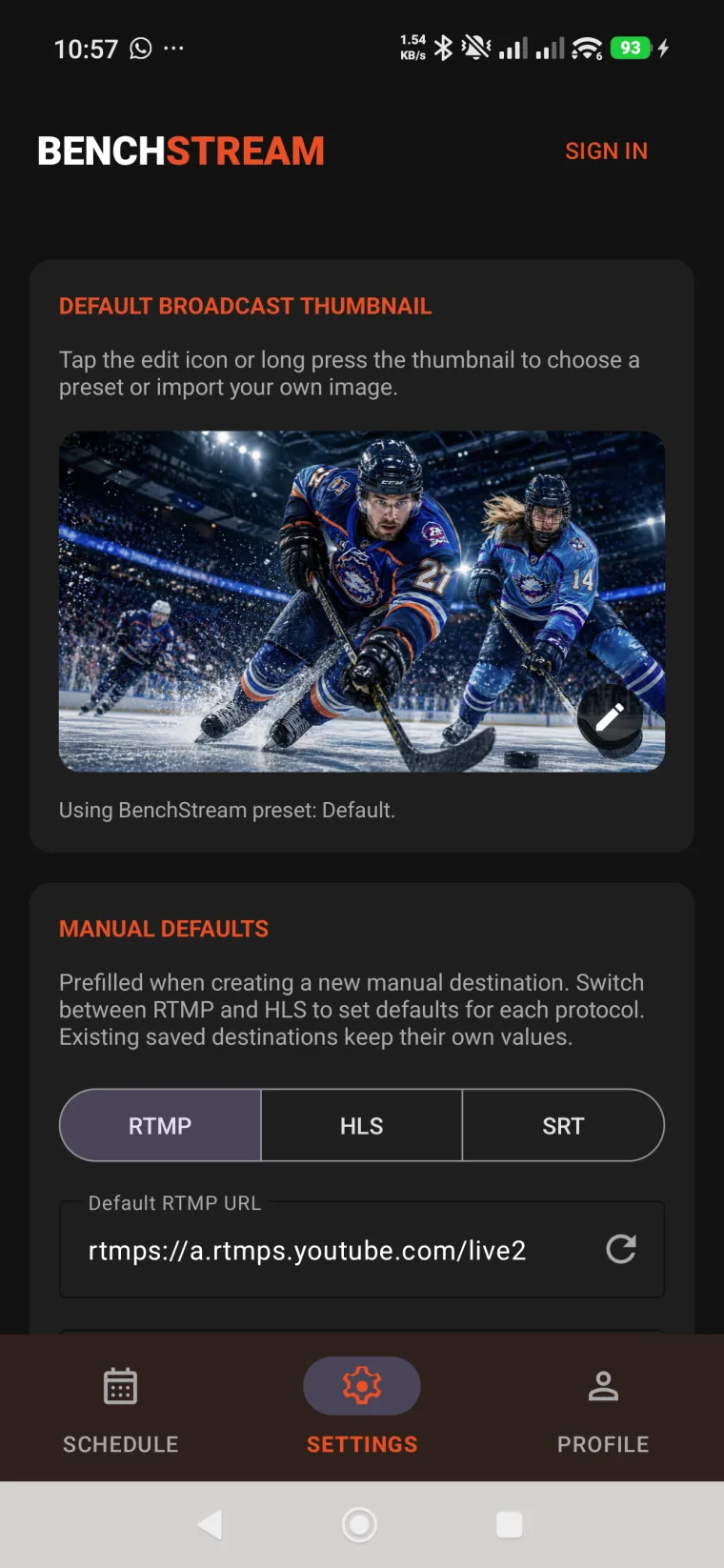
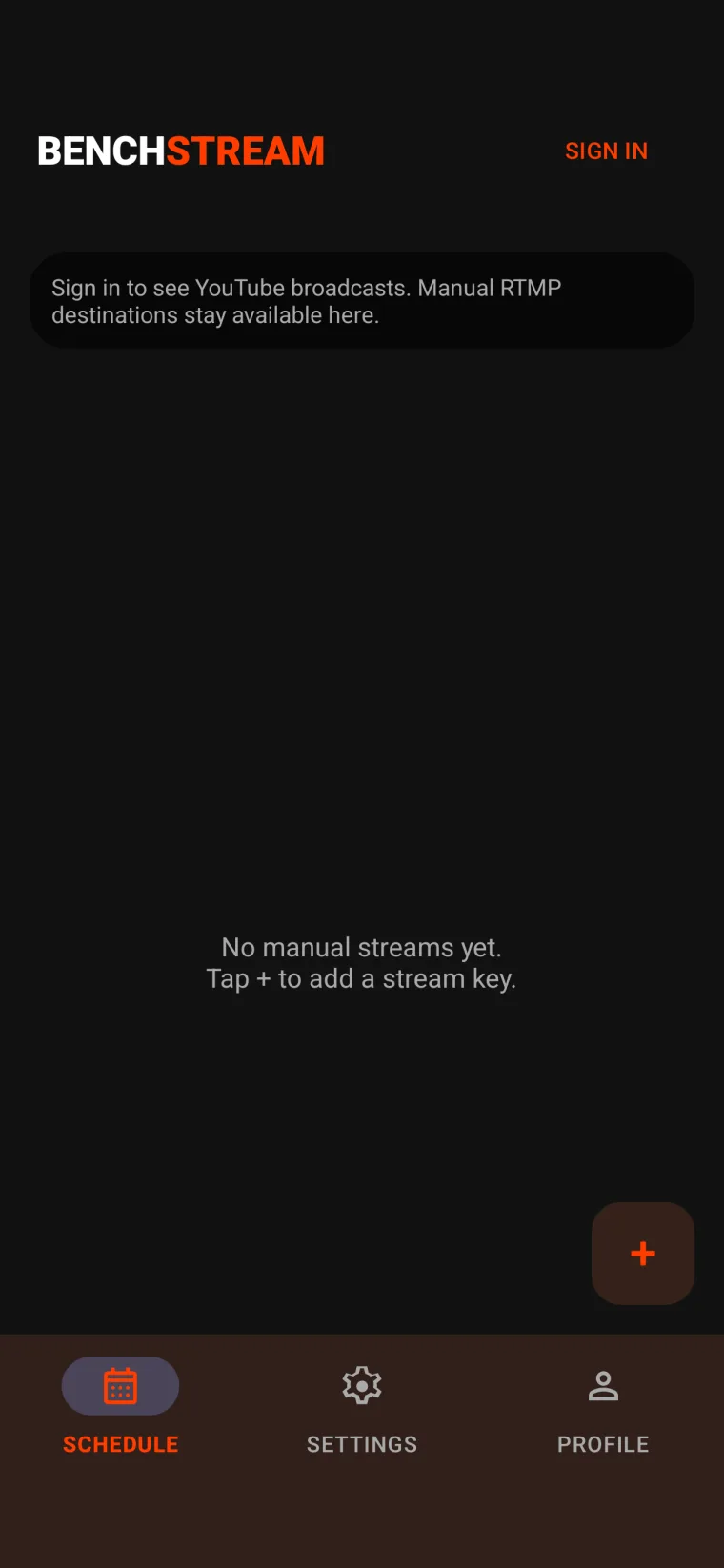
Default is YouTube Live with full broadcast management. Need something else? Paste a manual RTMP or HLS ingest URL for Twitch, Restream, your school's CDN — anything that takes ingest.
CAMERA
Full camera hardware access
BenchStream uses your phone's native camera pipeline — not a limited web view. That means you get real stabilisation, real zoom, and real exposure control while streaming.